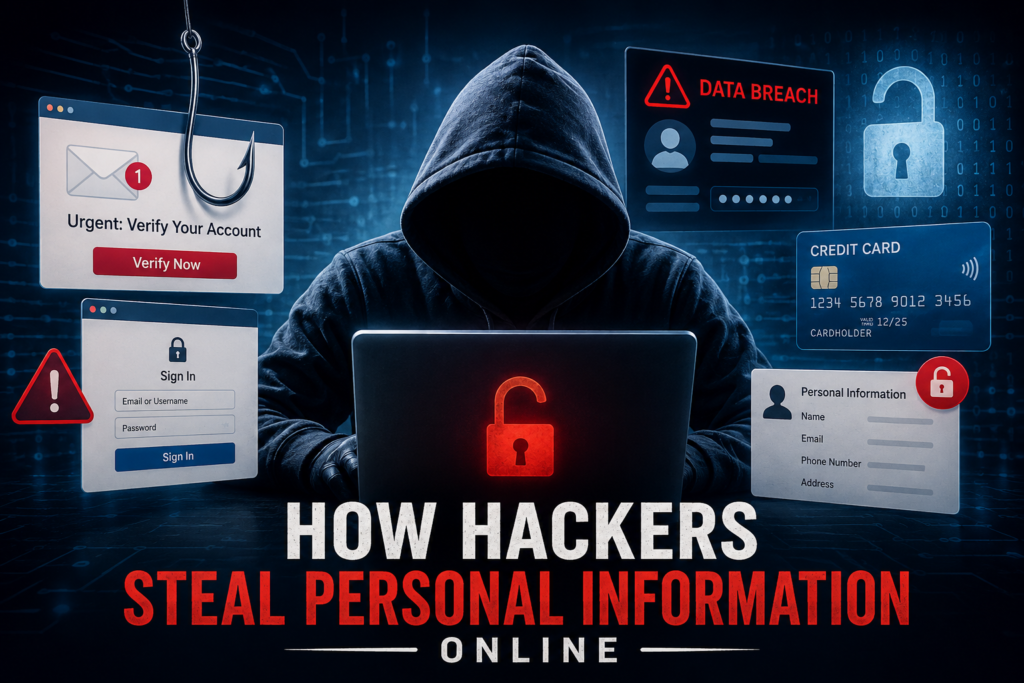
How Hackers Steal Personal Information Online: Common Methods and How to Stay Safe
In today’s digital world, personal information is more valuable than ever. From social media accounts and email addresses to banking details and passwords, cybercriminals are constantly looking for ways to steal sensitive data.
Many people believe hackers only target large companies. The reality is that ordinary internet users are often the easiest targets. Understanding how hackers operate can help you protect yourself and your online accounts.
Why Personal Information Matters
Personal information can be used for many illegal activities. Criminals may access your social media accounts, steal money, impersonate you, or sell your data on underground websites.
Once hackers gain access to an account, they often try to access other accounts using the same credentials. This can create a chain reaction that puts your entire digital identity at risk.
Phishing: The Most Common Attack Method
Phishing is one of the most common ways hackers steal personal information. It involves sending fake emails, text messages, or chat messages that appear to come from trusted organizations.
For example, you may receive an email claiming to be from Facebook, Instagram, Google, or your bank. The message may ask you to verify your account, update your password, or claim a reward.
The email usually contains a link that leads to a fake website. These websites often look nearly identical to the real ones. When users enter their login details, the information is sent directly to the attacker.
How to Avoid Phishing Attacks
- Never click suspicious links in emails or text messages.
- Visit websites directly by typing the URL into your browser.
- Check the sender’s email address carefully.
- Be cautious of messages that create urgency or fear.
- Avoid sharing passwords through email or messaging apps.
Credential Stuffing Attacks
Credential stuffing occurs when hackers use usernames and passwords leaked from previous data breaches.
Many people reuse the same password across multiple websites. If one website suffers a data breach, attackers can try the same credentials on email accounts, social media platforms, and banking services.
Even if the original account is not important, reused passwords can put more valuable accounts at risk.
How to Prevent Credential Stuffing
The best defense is to use a different password for every account. This ensures that a breach on one website does not affect your other accounts.
Password managers can help store and organize unique passwords securely.
Password Spraying Attacks
Password spraying is another technique used by cybercriminals. Instead of targeting one account with many password attempts, attackers try a few common passwords across many accounts.
Common passwords such as:
- 123456
- password
- india123
- qwerty123
are frequently tested against thousands of usernames.
Since many users still rely on weak passwords, attackers can sometimes gain access without needing stolen data or phishing scams.
Brute Force Attacks
A brute force attack involves software that automatically tests thousands or even millions of password combinations.
The shorter and simpler the password, the easier it becomes to crack. A four-digit password can often be guessed almost instantly.
Hackers use specialized tools that can test massive numbers of combinations every second. Weak passwords offer very little resistance against these attacks.
What Makes a Strong Password?
A strong password should be:
- At least 12 to 16 characters long
- Unique for every account
- Difficult to guess
- Free from personal information
Avoid using:
- Names
- Birth dates
- Phone numbers
- Favorite sports teams
- Celebrity names
These details are often publicly available and easy for attackers to discover.
Use Passphrases Instead of Simple Passwords
One effective method is creating a passphrase using several unrelated words.
For example:
CoffeeMountainJusticeBicycle
Such passwords are easier to remember and significantly harder for attackers to crack.
Adding uppercase letters, numbers, and symbols can further improve security.
Enable Two-Factor Authentication (2FA)
Even the strongest password can be compromised. This is why two-factor authentication is important.
With 2FA enabled, logging in requires a second verification step. This could be:
- A text message code
- An authentication app
- A fingerprint scan
- A security key
Even if someone steals your password, they cannot access the account without the second factor.
Use Password Managers
Remembering dozens of unique passwords can be difficult.
Password managers securely store login credentials and automatically fill them when needed. Most modern smartphones and web browsers include built-in password management features.
Using a password manager makes it easier to maintain strong, unique passwords across all accounts.
Check If Your Information Has Been Leaked
Data breaches happen regularly. Fortunately, there are tools that can help you check whether your email address has been exposed in a known breach.
One popular service is Have I Been Pwned, which allows users to search their email address and view past data breach records associated with it.
If your email appears in a breach, change the affected password immediately and update any accounts using similar passwords.
Best Practices to Protect Your Personal Information
Follow these simple habits to improve your online security:
- Use strong and unique passwords.
- Enable two-factor authentication.
- Avoid clicking suspicious links.
- Keep software and apps updated.
- Use a trusted password manager.
- Monitor accounts for unusual activity.
- Regularly review your security settings.
Final Thoughts
Cybercriminals use many techniques to steal personal information, including phishing, credential stuffing, password spraying, and brute force attacks. While these threats continue to evolve, basic security habits can dramatically reduce your risk.
Strong passwords, two-factor authentication, and cautious browsing remain some of the most effective ways to stay safe online. Taking a few minutes to improve your security today can prevent major problems in the future.